
New photo alertsThe frame shows a notification when new content arrives. During playback you can see who sent each photo and its caption.
HaloNexus
Mobile · Photo & video sharing
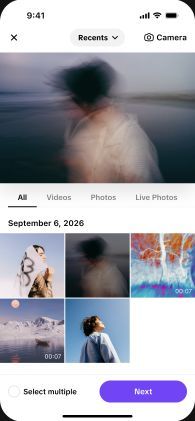



Share what you capture, straight to family.Pick photos or videos in the app and send them to a linked frame. Once the frame is online it receives and plays them, and the app keeps a record of what you have sent.
New photo alertsThe frame shows a notification when new content arrives. During playback you can see who sent each photo and its caption.

Photos, time and weather on one screenTime and weather appear alongside your photos, so on a desk or in the living room the frame doubles as an everyday display.
Frame · Albums & playback
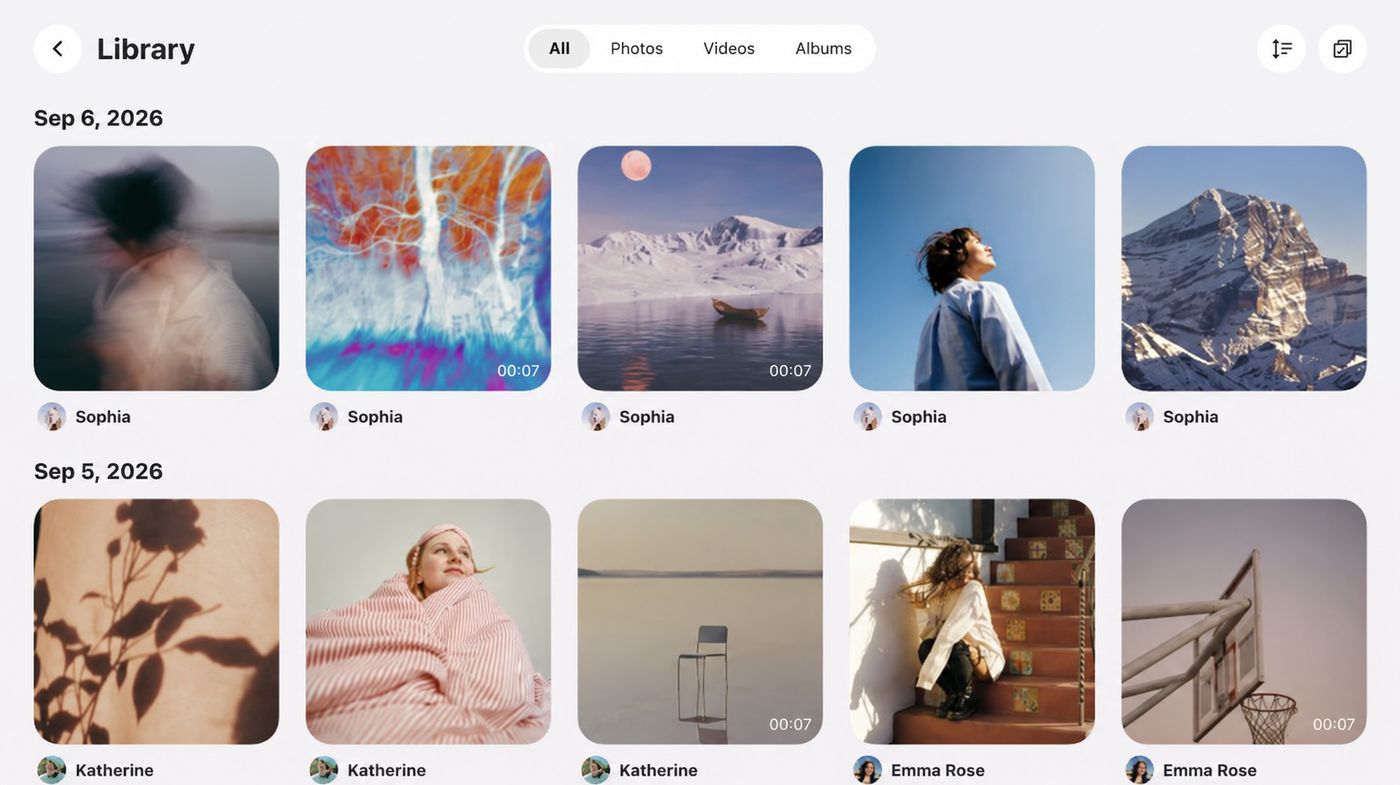
One trip, one album.Organize photos and videos by theme so they are easy to find. Choose exactly what plays in the home-screen slideshow; everything else stays in your albums, ready to browse.
Frame · External storage
Connect a storage device, choose photos and videos on the frame, and import them into its local library. Imported items can be organized into albums or added to the home-screen slideshow.
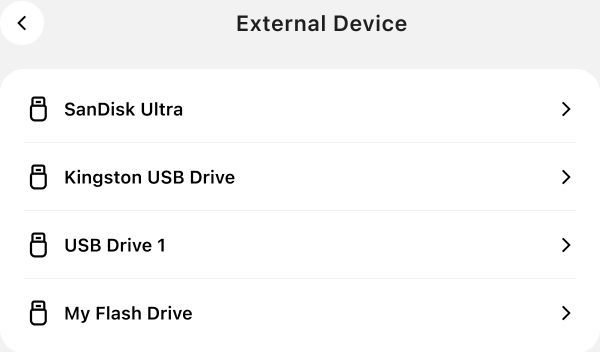
Open a connected storage device
and browse its photos and videos.
‹IMG_2844.JPG06/15/2026Preview an item and tap Import to Frame
to save it to the frame library.
Greetings
Pick a template, add a message and your name.
Create a greeting on your phone and send it to a linked frame. Choose tap-to-play or autoplay, and set how long it plays.

Everyday settings
In the bedroom, the screen goes dark on time.
Set when sleep starts and ends, and the screen rests on your schedule.
Videos can be muted by default, for bedrooms, studies and other quiet rooms.
Features at a glance
Send from your phone,
play and manage on the frame.
For brands, device makers and channel partners
We provide the companion mobile app and on-frame software for digital photo frame products. Based on your hardware, target markets and feature needs, we assess the fit and agree on the scope of delivery.
Discuss an app solutionMainly digital photo frame brands, device makers and channel partners. Share your device details, target markets and feature requirements, and we will evaluate a solution together.
We review device capabilities, app version and business requirements item by item, then agree on adaptation, validation and delivery. Brand customization and licensing are discussed separately.
Business inquiries
Questions about features, device adaptation or partnering?
Email us.